 CAIRN
MeshCore companion appFree on the App Store
CAIRN, a LoRa mesh messaging app for iPhone and iPad: Your radio, your mesh, no signal required.
Pair a MeshCore LoRa radio over Bluetooth or Wi-Fi and message friends, run your repeaters and watch your channel live — through a community-built network of radios, with no cell service, no internet and no account. Every page is glass cards over a background you pick.


Key features
Everything your radio can do, on the screen in your pocket.
Direct, channel & room
One inbox for DMs, public, private and hashtag channels and room servers — with delivery status, retry, reactions, @mentions and the path every message took.
Repeaters, managed
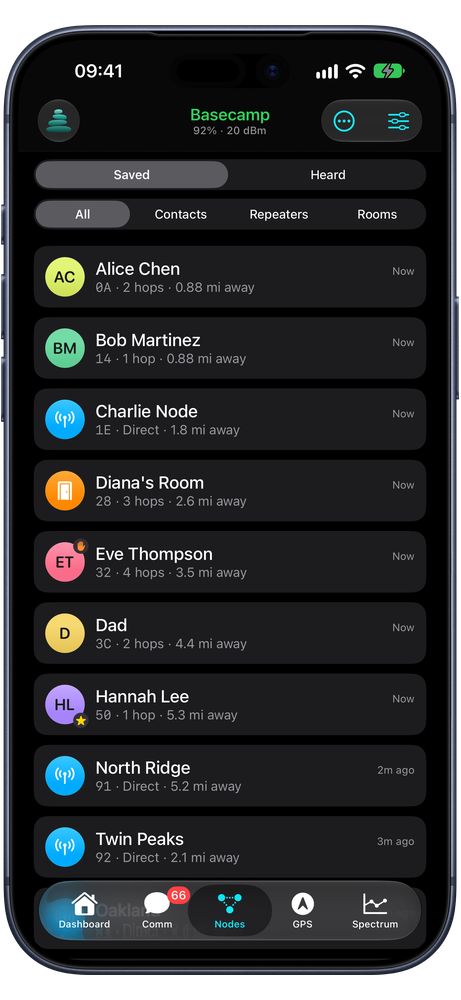
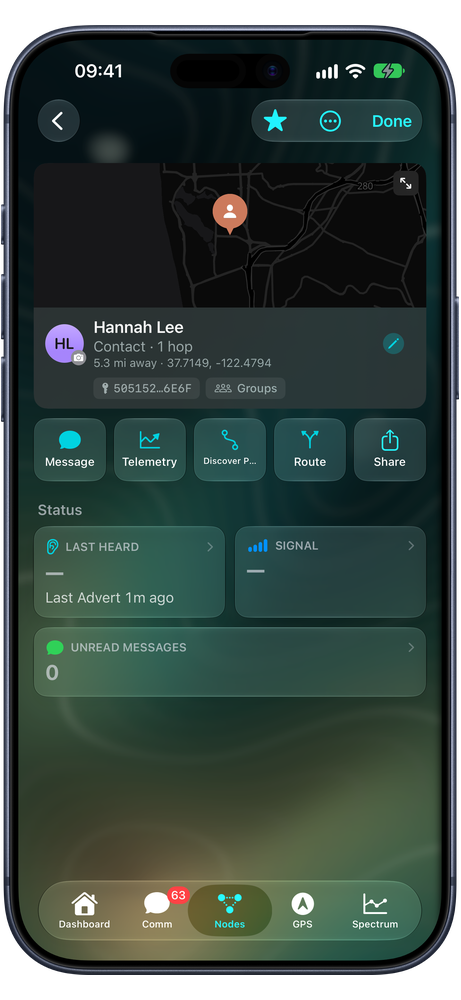
Every saved and heard node on its own page. Log in to your repeaters and room servers for status, neighbors, telemetry history, settings and a remote CLI.
See your channel
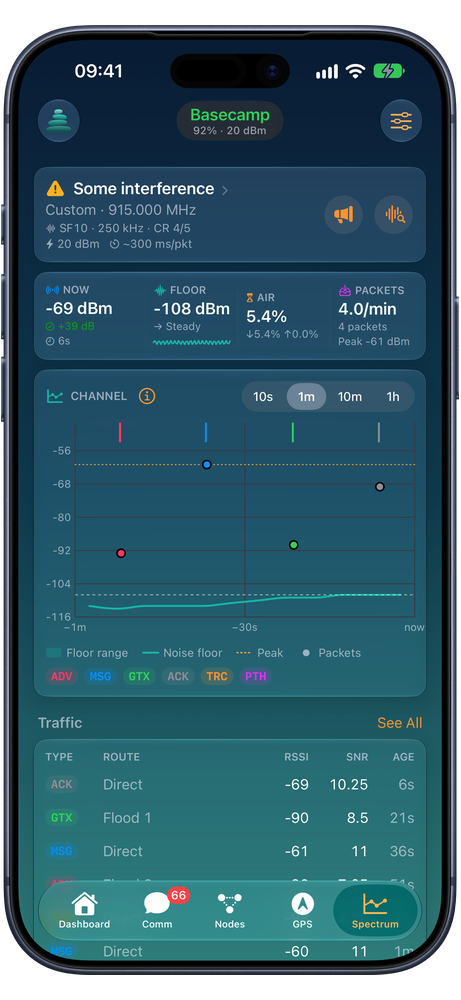
The live noise floor and packet traffic on your frequency, with signal margin, airtime share and packets per minute.
Find your way
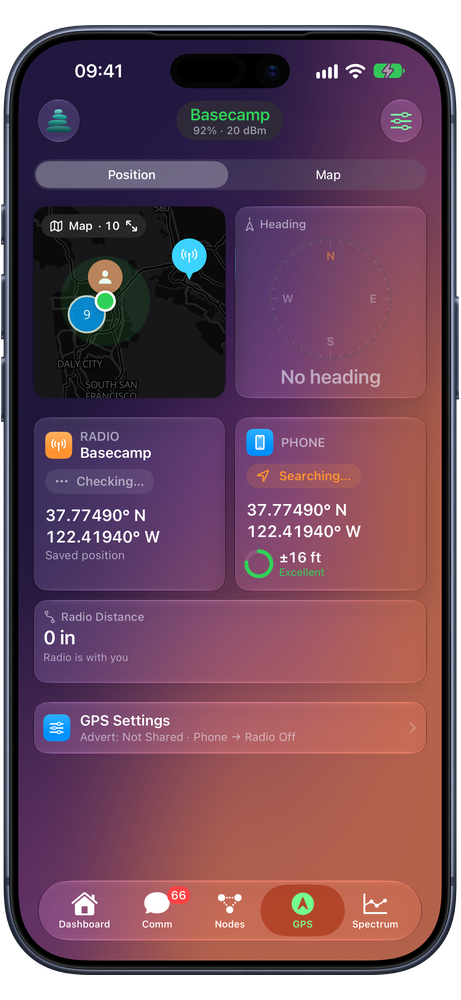
A mesh map in standard, satellite or topo, regions downloaded for offline use, and a compass HUD that points to any node.
Your radio at a glance
Battery, network, radio, GPS, nodes and chats as cards, one tap from Scan for Nodes, Send Advert, Trace Path, Traffic with the RX log and a live map, Network Health, Line of Sight with terrain and Fresnel zone, and a CLI.
Hands-free on the road
CarPlay shows the Dashboard, Nodes and Comm, with GPS, Spectrum and Scan for Nodes. Hear and reply to messages with Siri, run Shortcuts, and keep the radio's status on the Lock Screen and Dynamic Island.
Everything in one place
The gear on the Dashboard opens one Settings page with your radio at the top. Search Settings finds any setting by name, and each tab's sliders open its page right where you are.
Who can hear you
Each scan lists the nodes your radio hears directly, with Check Link for repeaters. Wardrive repeats scans on the move, keeps going in the background and maps where each node was heard.
Nothing slips by
Favorites fold up at the top of Nodes and Comm. If CAIRN may have stopped receiving in the background, a reminder asks you to open it, and Background App Refresh checks in on a Wi-Fi radio.
Make it yours
Cards on glass, over any background you like.
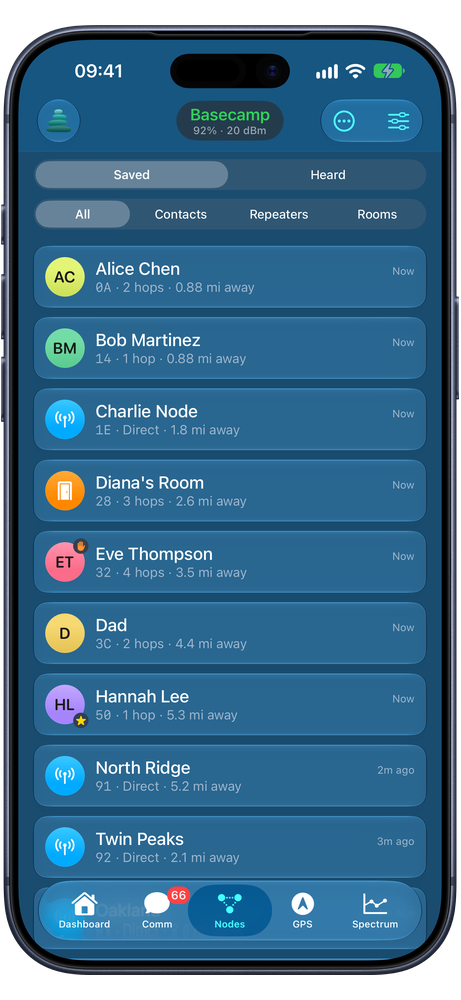
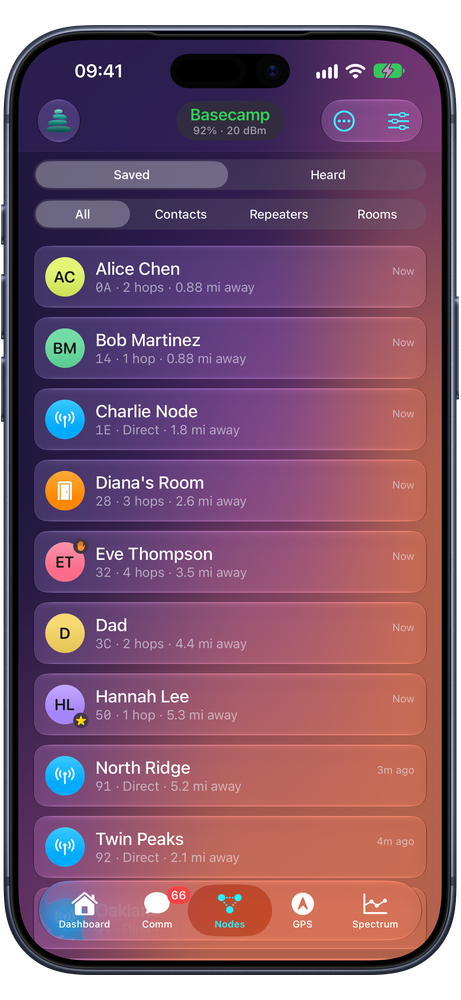
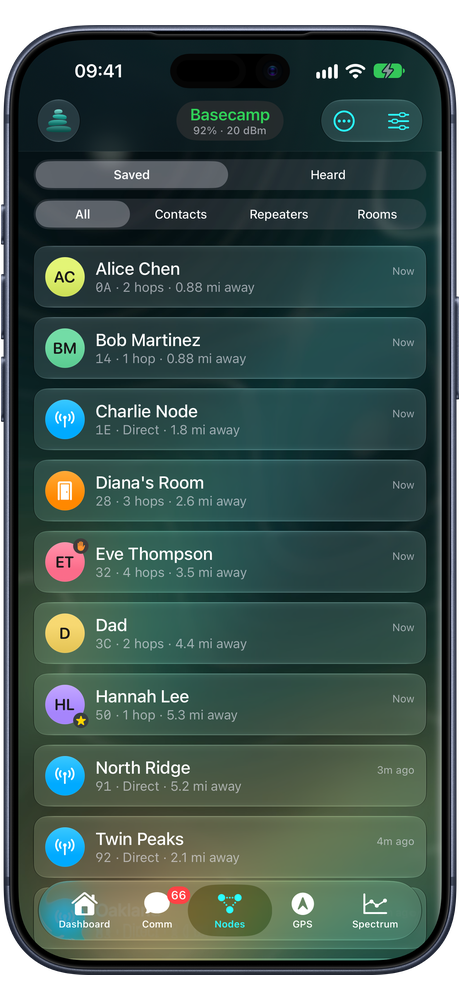
Every page is built from cards over a background you choose: the system look, a solid color, a linear or mesh gradient, or your own photo — with dim and blur so text stays readable. On iOS 26 the cards are Liquid Glass. Here's the same Nodes page four ways.
iPad
Room for the whole picture.
On iPad, every tab gets a sidebar and a full-width page. Spectrum shows the noise floor, the packets on your channel and the traffic log on one screen — and you can open CAIRN in more than one window.

iPhone
Messages, spectrum, GPS and nodes in your pocket.
Screens use the app's demo radio and fictional sample data.

Privacy
Radio to radio. Nothing to me.
CAIRN has no accounts, no analytics and no server. Your messages go from your phone to your radio and out over LoRa — they never pass through CVH Visuals.
- Works with any MeshCore radio. Any board running MeshCore companion firmware, over Bluetooth or Wi-Fi — including my CAIRN firmware for touchscreen trackers. Scans need MeshCore 1.10 or later, and the receive switches 1.18 or later.
- Try it without a radio. A built-in demo mode connects to a simulated radio with sample contacts, channels and messages.
- Free, every feature. No ads, no subscriptions. Optional tips under Support Development help me keep building it and unlock nothing.
- Twelve languages. English, German, Spanish, French, Italian, Korean, Dutch, Polish, Portuguese, Russian, Ukrainian and Chinese.
For hikers, event crews, emergency comms and radio tinkerers
Get CAIRN free on the App Store.
Download CAIRN for iPhone and iPad. No radio yet? The built-in demo mode lets you look around first.